Light, wardrobe, background, crop, and mood. Identity and pose are the properties most likely to drift.
Adjust the frame without losing the subject.
Image to Image edits a nude still you already own. The source fixes identity, pose, and composition; the prompt describes the change you want. Use it to correct light, wardrobe, or background before the still becomes an authorized source for animation.
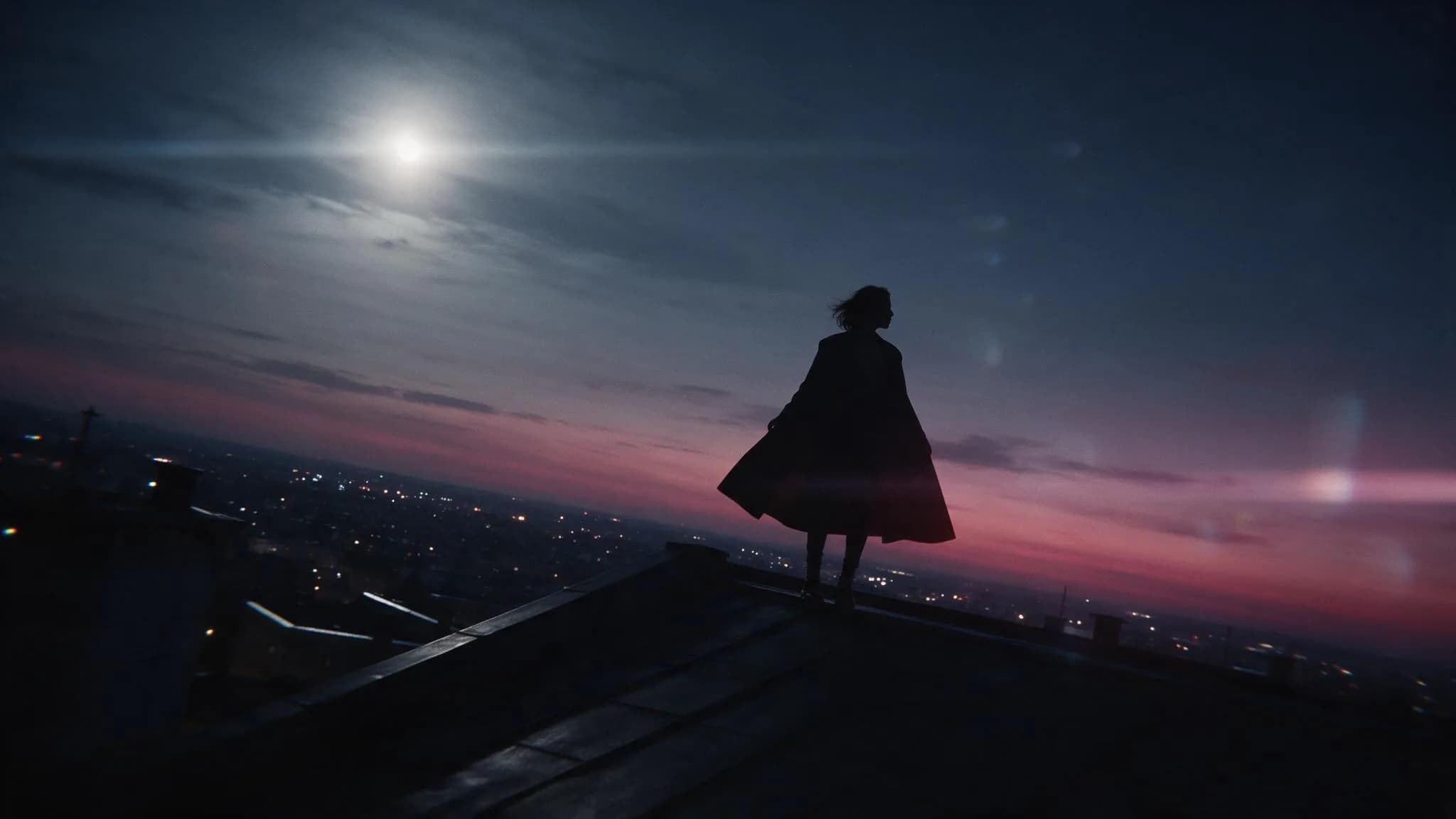
Change one property at a time
An edit request works best when it names a single property to change and leaves the rest alone. Rewriting the whole image each attempt makes it impossible to tell which instruction caused the difference.
- 01
Hold identity steady
Describe the change, not the person. Restating appearance invites the model to redraw the subject.
- 02
Name the property you are changing
Light, wardrobe, background, or crop. One property per request.
- 03
Keep a version to fall back on
History keeps each accepted edit, so a bad direction does not cost you the original.
Nude image-to-image directions
Illustrative edit directions, not generated results.
Swipe horizontally to explore all three examples.
Relight to amber
PromptKeep the pose and framing; change the light to a single warm lamp from camera left.
One light change, nothing else restated.
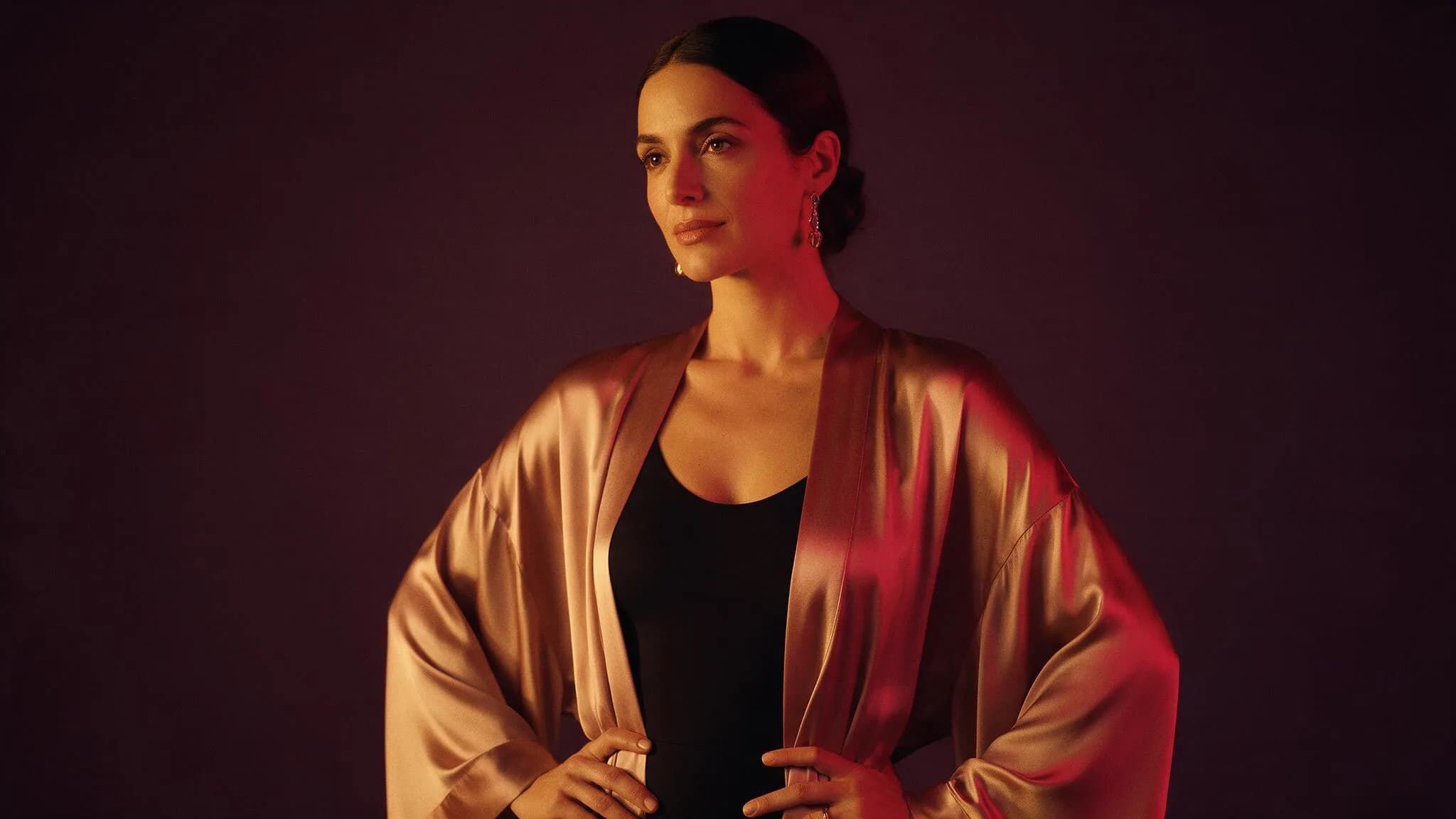
Cool the palette
PromptKeep everything; shift the light to cool moonlight with a faint magenta horizon.
A palette shift is a safe edit because it does not touch anatomy.
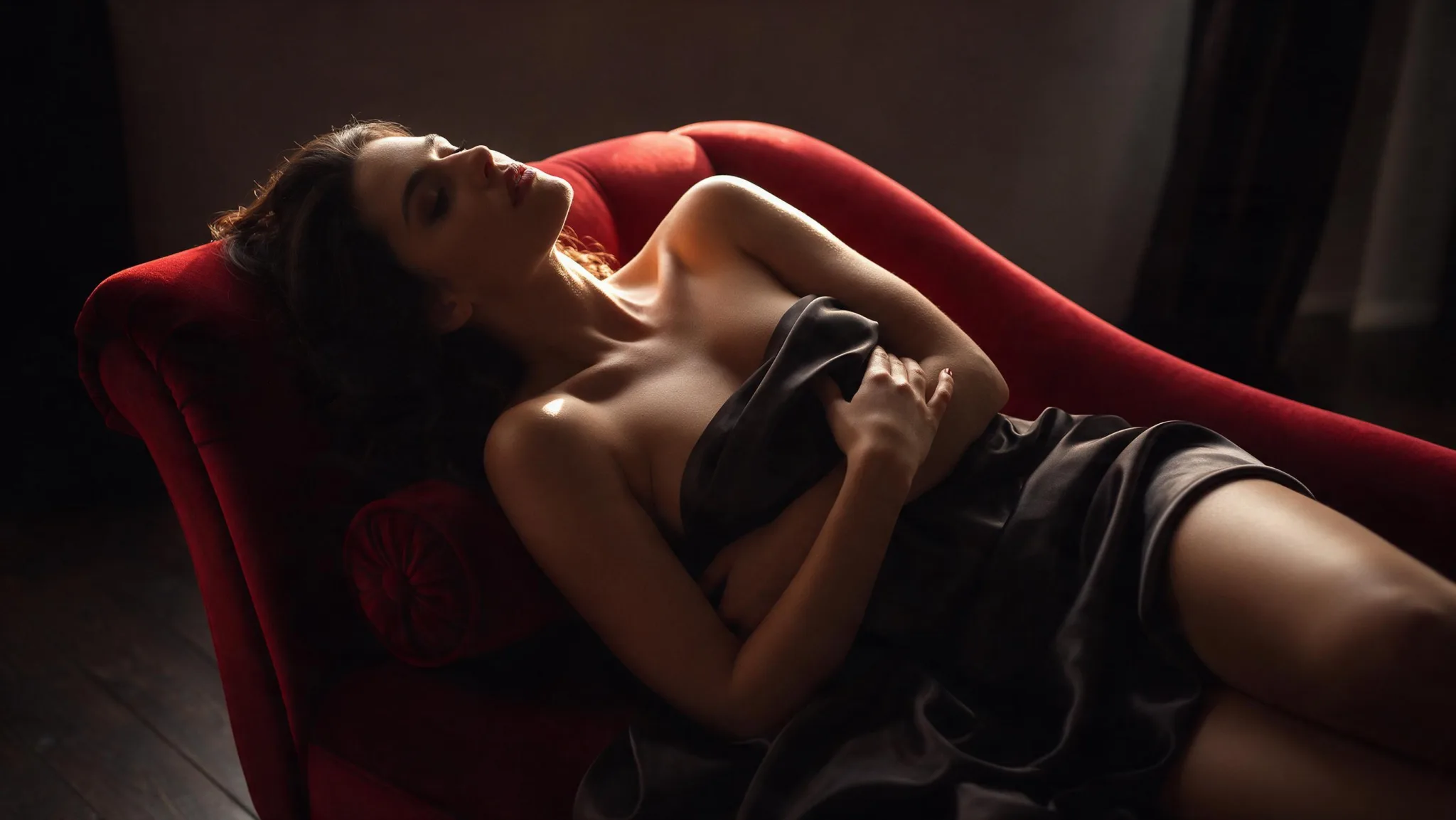
Clean the background
PromptKeep the subject; replace the background with a plain dark wall.
Removing clutter makes the still better as a future first frame.
Image-to-image settings for a nude edit
The source carries the subject; the settings decide how far the model may move away from it.
| Goal | Focus on | Why it helps |
|---|---|---|
| Upload the still you want to edit. | Source image | The edit is bounded by what the file already contains. |
| Name one property. | Edit prompt | Multiple properties in one prompt usually produce a new image rather than an edit. |
| Choose a published editing model. | Model | Edit models differ in how strongly they preserve identity. |
| Match the output to the next step. | Resolution | A still headed for animation should stay sharp. |
When an edit drifts too far
Drift means the prompt asked for more than the model can preserve.
- The face changed completely
- Remove any appearance description and name only the property you want changed.
- The pose moved
- Add an explicit instruction to hold the pose, then reduce the number of other changes.
- The edit did nothing
- Increase specificity of the single property, for example naming the light direction rather than saying better lighting.
- Background artefacts appeared
- Simplify the requested background; complex scenery invites invented detail.
Image to Image questions
Practical answers about live settings, Credits, account access, and consent-first creation.
You can inspect the editor while signed out. Submission requires an authenticated account.
The Workspace shows estimated Credits for the selected model and resolution before submission.
Continue in the workspace
Upload the still you own, name one property to change, and check the estimate first.