Only one you created or are licensed to process, of an adult, with informed consent for this use. Intimate material of someone who has not agreed is refused.
Keep the frame. Direct what moves next.
Image to Video starts from an authorized nude still and a focused motion brief. The source fixes appearance, crop, and the opening frame; the prompt explains how the subject, camera, and atmosphere should evolve without restating what is already visible.
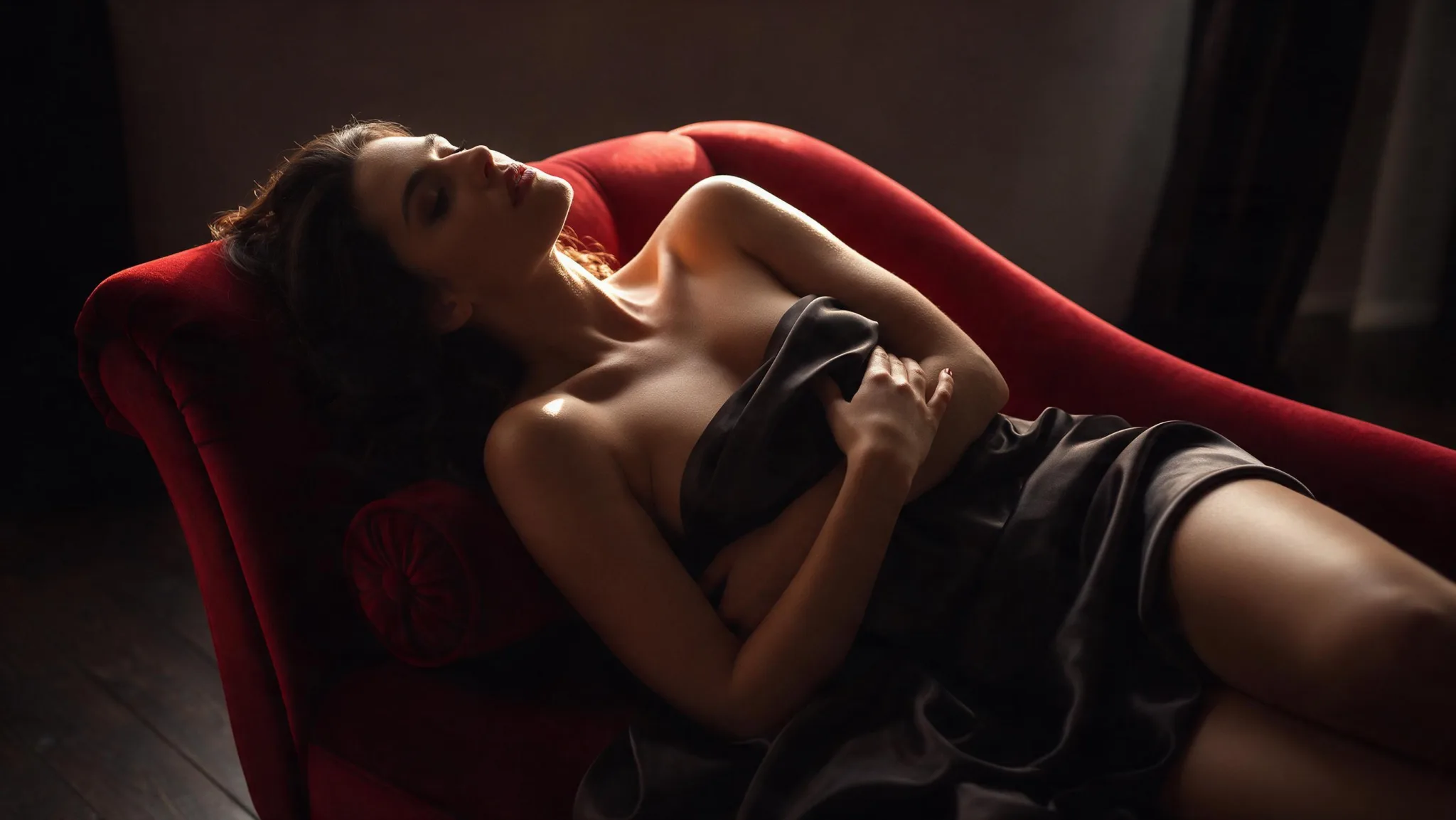
Separate the frame from the movement
Let the authorized source carry appearance and composition. Use the motion prompt for change: subject action, camera movement, environment, and pace. Then confirm the selected model accepts the input and output settings you need.
- 01
Start from a still you own
The image must be one you created or are licensed to process, of an adult, with their consent for this use.
- 02
Describe only what changes
Appearance is already in the file. Spend the prompt on movement, light change, and pace.
- 03
Match settings to the source
The source sets the canvas. Choose duration and resolution the model publishes rather than assuming a setting exists.
Nude image-to-video directions
Illustrative configurations built from authorized stills, not generated results.
Swipe horizontally to explore all three examples.
Rain-lit track
PromptTrack slowly beside the figure; keep the profile and the window framing while rain reflections drift across the glass.
The source carries appearance; the prompt adds lateral motion only.
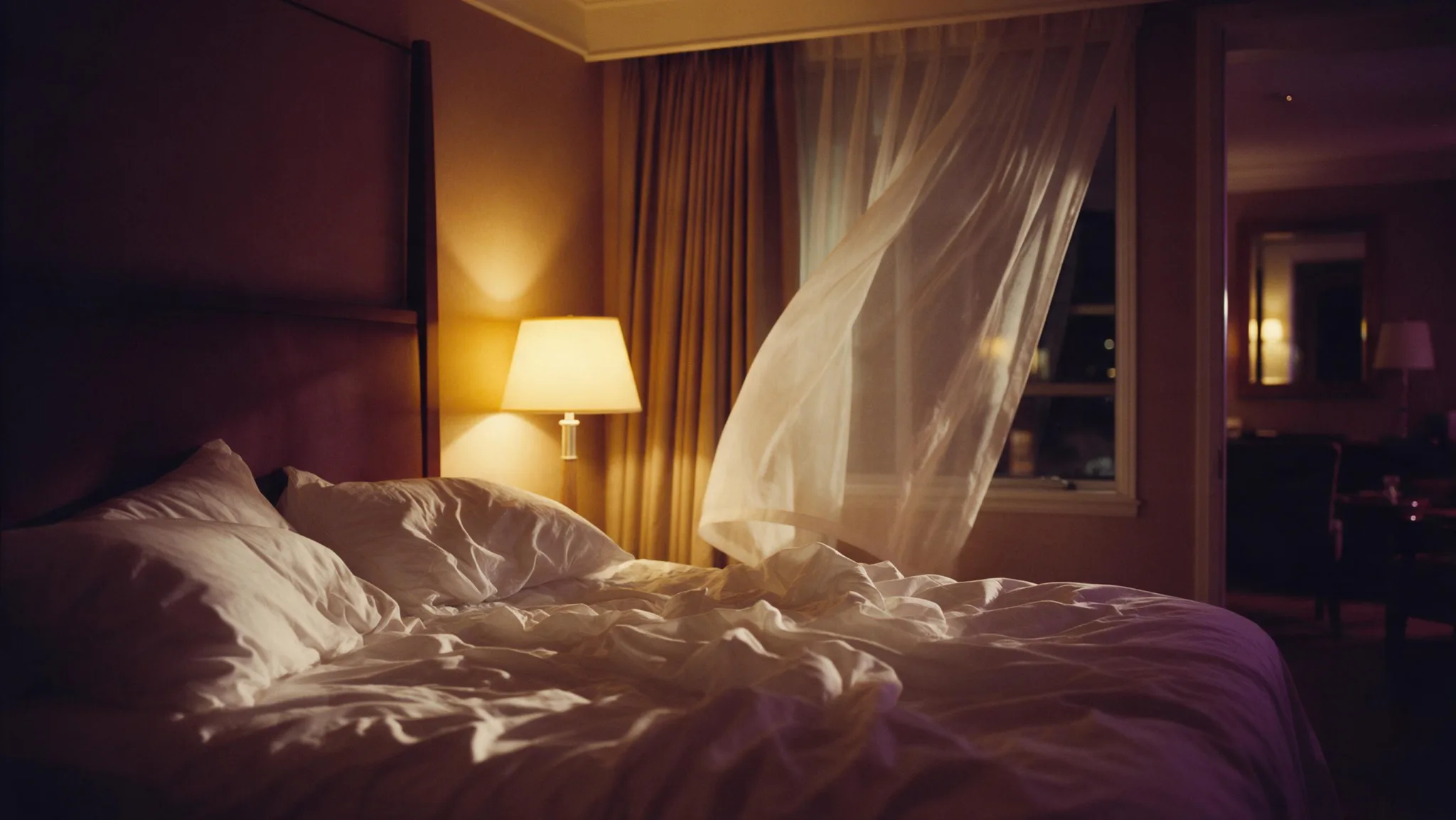
Amber push-in
PromptMove gently toward the seated figure; keep the composition centered as the silk and the lamp glow shift.
A restrained prompt protects the symmetry already present in the source.
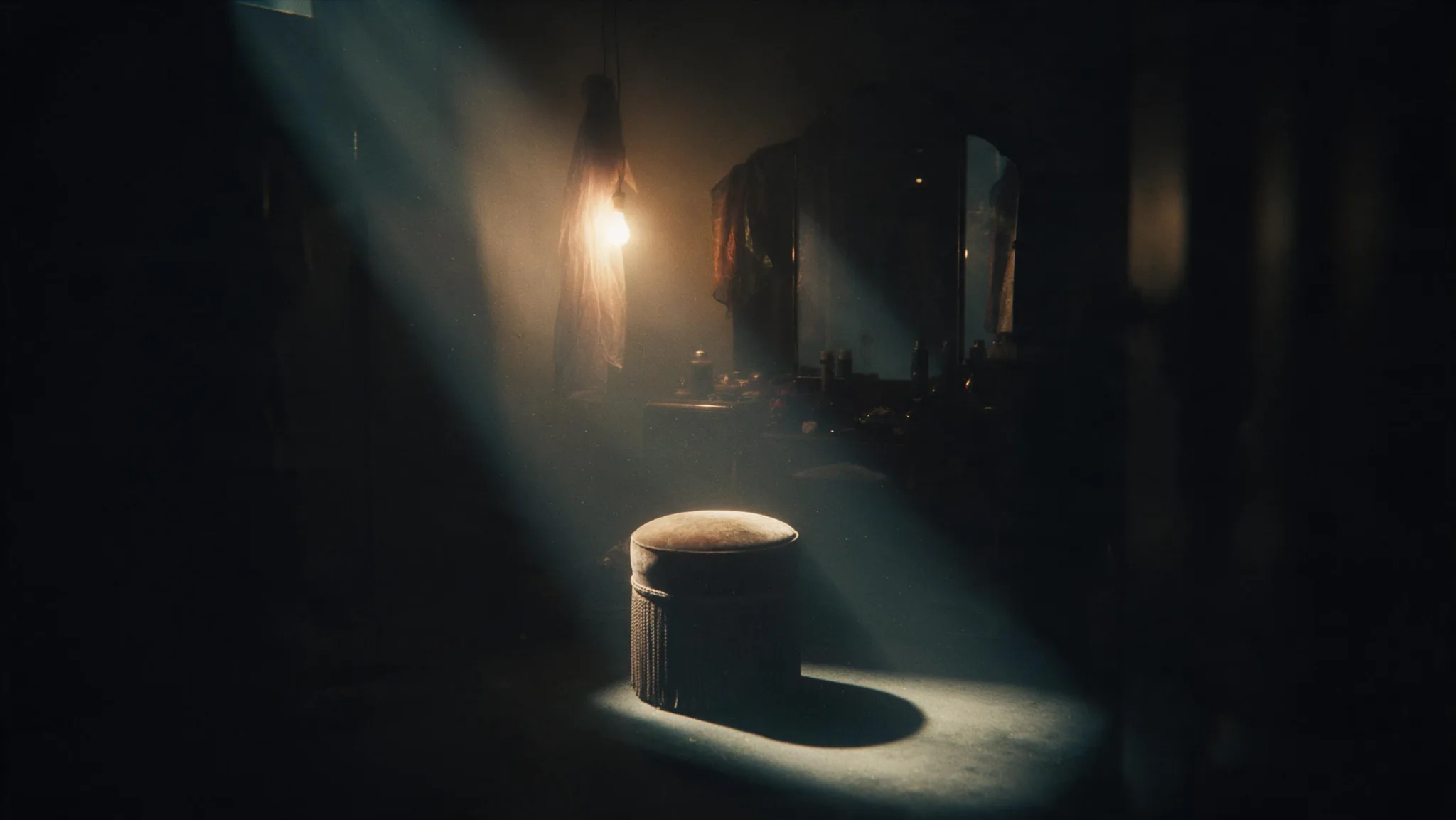
Rooftop orbit
PromptOrbit around the silhouette at a calm pace; hold the horizon while the coat and distant lights move with depth.
Separating camera, subject, and background motion makes the brief easier to evaluate.
Image-to-video settings for a nude source
Settings should support the source rather than fight it. Start with a compatible crop, choose one motion direction, and review duration, resolution, model, and Credits together.
| Goal | Focus on | Why it helps |
|---|---|---|
| Upload the crop you want to keep. | Source crop | The aspect ratio follows the file; asking the prompt to reframe produces stretching. |
| Choose one direction per attempt. | Motion direction | Two directions in one prompt is the main cause of warped anatomy. |
| Test at the shortest length first. | Duration | Distortion accumulates with time, so prove the motion before extending it. |
| Match the output to the destination. | Resolution | 1080p and above require a monthly plan. |
When a nude still will not animate well
The source is usually the cause, not the prompt. Check these before changing the wording.
- The subject warps immediately
- Check the source for a soft or cluttered subject. Motion amplifies existing blur and background noise.
- The clip ignores the prompt
- Remove any restatement of appearance and keep only the movement instruction.
- Framing drifts out of the source
- Hold the camera still and let only the subject move, or reduce the camera speed.
- Skin or fabric shimmers
- Reduce resolution requests and avoid asking for texture detail in the prompt; the source already carries it.
Image to Video questions
Practical answers about live settings, Credits, account access, and consent-first creation.
You can inspect the generator and setup while signed out. Submission requires an authenticated account.
The Workspace shows estimated Credits for the selected model and settings before submission. Change either to see the current estimate.
Continue in the workspace
Upload an authorized still, describe one motion, and confirm the estimate before generating.