Yes. Text to Video stages nude and adult scenes from a written prompt, and adult subject matter is a supported category. Every depicted person must be an adult.
Write the nude shot before the first frame exists.
Text to Video asks the model to stage a nude scene from words alone. Name who is in frame, what single thing changes, how the camera behaves, and what the light communicates. Settle one opening composition and one readable action before adding atmosphere, secondary motion, or styling.
Direct one shot the camera can follow
Treat the prompt as direction for a single coherent shot. Keep the action readable, separate subject movement from camera movement, then choose a published model whose duration and resolution fit the shot you described.
- 01
Establish the nude scene
Name the fictional adult subject, the setting, the wardrobe or its absence, the mood, and the composition you want at the opening moment.
- 02
Give the shot one change
Pick a single beat: a turn, a lift of the shoulder, a step toward camera. A second simultaneous action is the usual reason anatomy drifts.
- 03
Choose the settings last
Duration, aspect ratio, and resolution come from the model you pick. Decide the shot first, then confirm what the catalog can actually render.
Nude text-to-video directions
Illustrative prompt configurations, not generated results.
Swipe horizontally to explore all three examples.
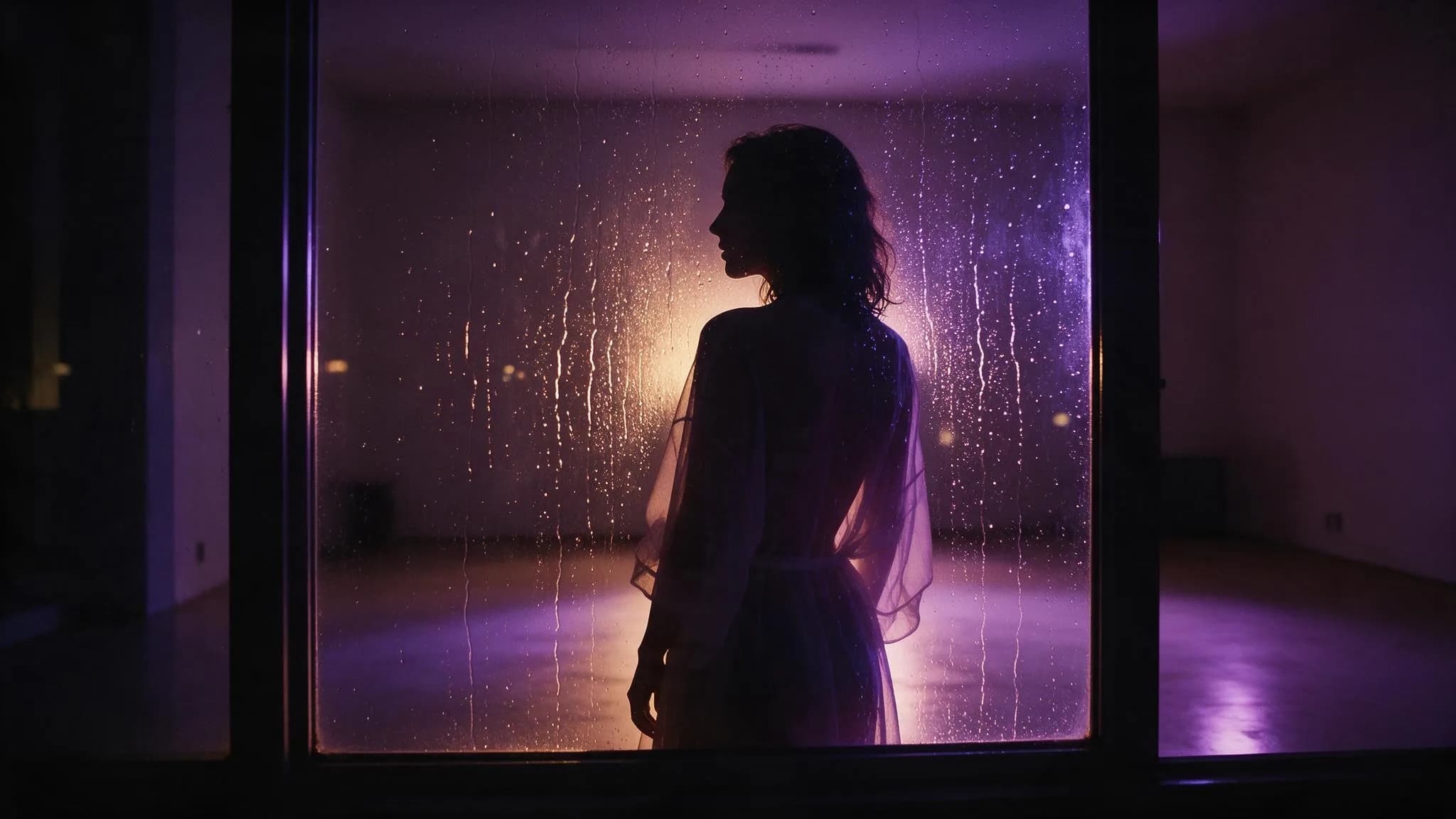
Rain-lit turn
PromptThe figure turns slowly toward the rain-streaked glass, warm lamp light behind her, shallow focus, no cuts.
One rotation only; the light stays fixed so the motion stays judgeable.
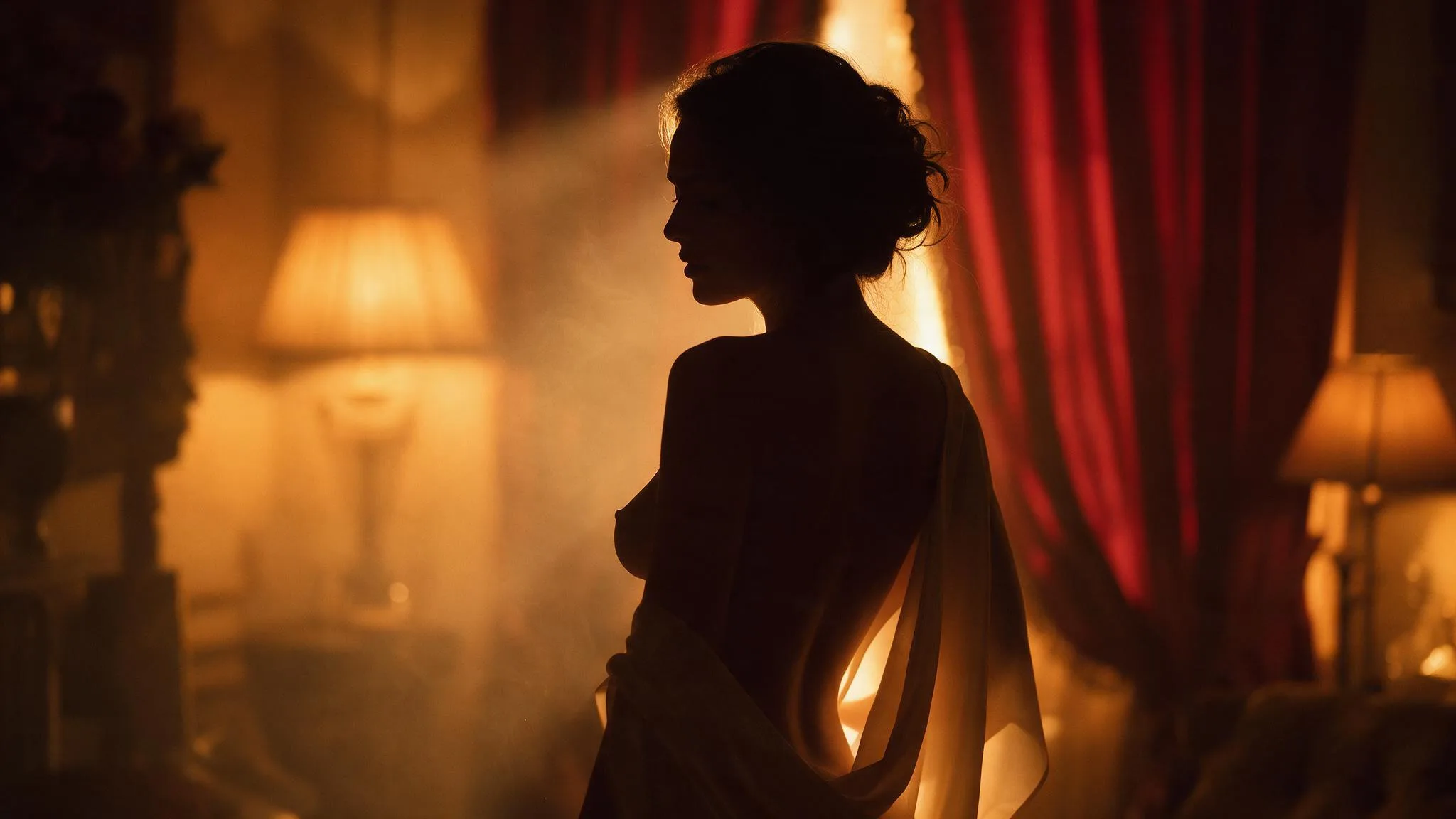
Amber push-in
PromptSlow push toward the seated figure in amber lamp light, silk slipping from one shoulder, no cuts.
A restrained camera move protects the symmetry already implied by the setting.
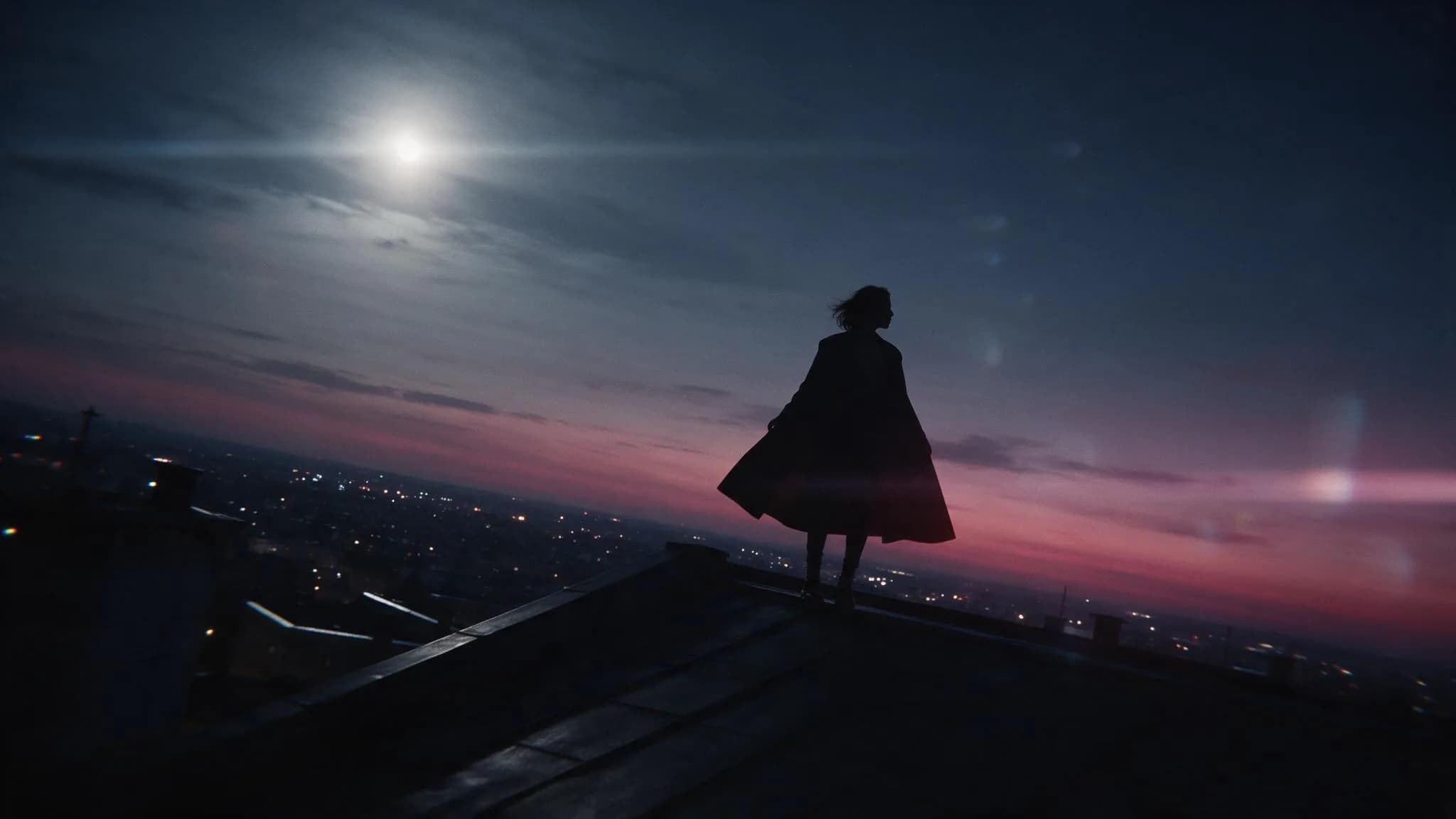
Rooftop silhouette
PromptOrbit calmly around the figure on the rooftop at dusk, coat open, distant city lights drifting with depth, no cuts.
Separating camera motion from subject motion keeps the silhouette readable.
Text-to-video settings for a nude shot
Settings follow the model, not the prompt. Confirm duration, aspect ratio, resolution, and the Credit estimate together before you submit, and treat the estimate as part of the decision.
| Goal | Focus on | Why it helps |
|---|---|---|
| Choose a published model that can hold anatomy for the shot you described. | Model | Different models handle hands, faces, and sustained motion very differently at the same prompt. |
| Start at the shortest duration the model offers. | Duration | A short pass proves whether the motion reads before you spend on a longer run. |
| Match the ratio to where the clip will be seen. | Aspect ratio | Reframing after generation is crop, not composition. |
| Pick the lowest resolution that is still usable for your destination. | Resolution | Higher tiers cost more and are gated behind a monthly plan. |
When a nude text-to-video result fails
Most failures come from asking for two things at once. Diagnose in this order rather than rewriting the whole prompt.
- Anatomy drifts or limbs merge
- Cut the prompt to one action and hold the camera still. Re-run before adding any style words.
- The camera ignores the direction
- Remove the subject action and keep only the camera move, so the model has one instruction to follow.
- The clip looks nothing like the brief
- Describe the shot in five concrete nouns and one verb, then add light. Abstract mood words rarely survive generation.
- Faces look wrong
- Compose a shot where the face is turned away or out of frame. Appearance detail is the weakest part of a text-only request.
Text to Video questions
Practical answers about live settings, Credits, account access, and consent-first creation.
You can inspect the generator and its settings while signed out. Submission requires an authenticated account; return to the same route after signing in.
The Workspace shows the estimated Credits for the selected model and settings before submission. Change either one to see the updated estimate. Catalog availability and Credit requirements can change.
Continue in the workspace
Write the nude shot, choose a published model, and read the Credit estimate before you send the request.