Yes. Nude and adult stills are a supported category, and every depicted person must be an adult.
Shape a still world ready for its next scene.
Text to Image turns a written nude concept into a private still request. Define the fictional adult subject, the point of view, the composition, the light, and the mood with enough clarity that the saved image can stand alone or become an authorized source for animation later.
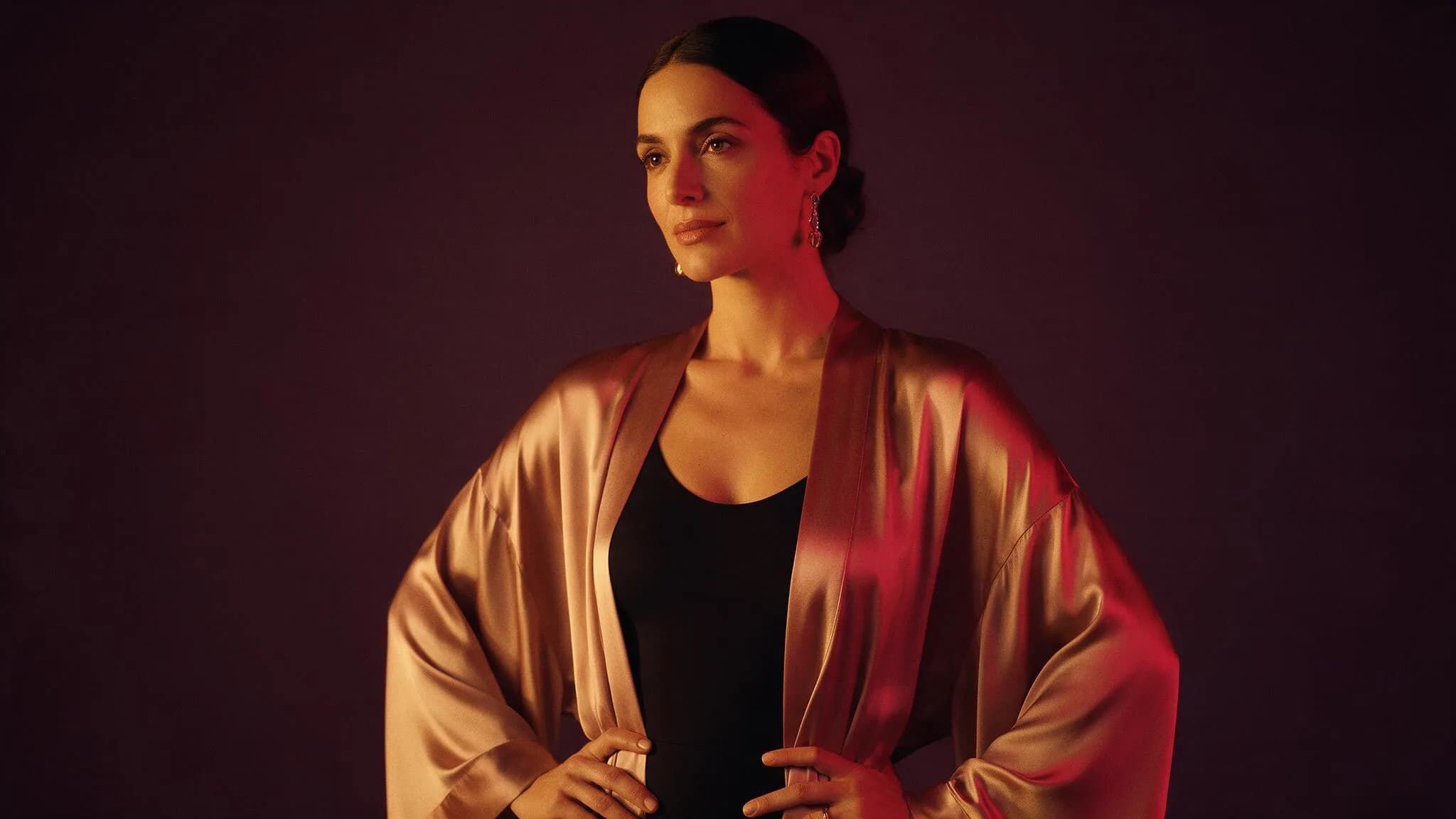
Compose the image before adding detail
Available image settings should establish the destination and canvas before the prompt accumulates detail. Choose an aspect ratio and model around the intended composition, keep comparison tests consistent, and review the live Credit estimate before submitting.
- 01
Decide the canvas first
Aspect ratio and model come before adjectives. A composition that does not fit the frame will not be rescued by more detail.
- 02
Name one subject and one light
One adult subject, one described light source, one background. Additional subjects and lights compete for the same pixels.
- 03
Keep the still reusable
A clean, uncluttered nude still is a better first frame if you later animate it in Image to Video.
Nude text-to-image directions
Illustrative configurations, not generated results.
Swipe horizontally to explore all three examples.
Rain-lit portrait
PromptFictional adult model in profile behind rain-streaked glass, warm lamp light inside, cool city light outside, shallow focus.
Two light sources with opposite temperatures give the still a readable mood.
Amber boudoir
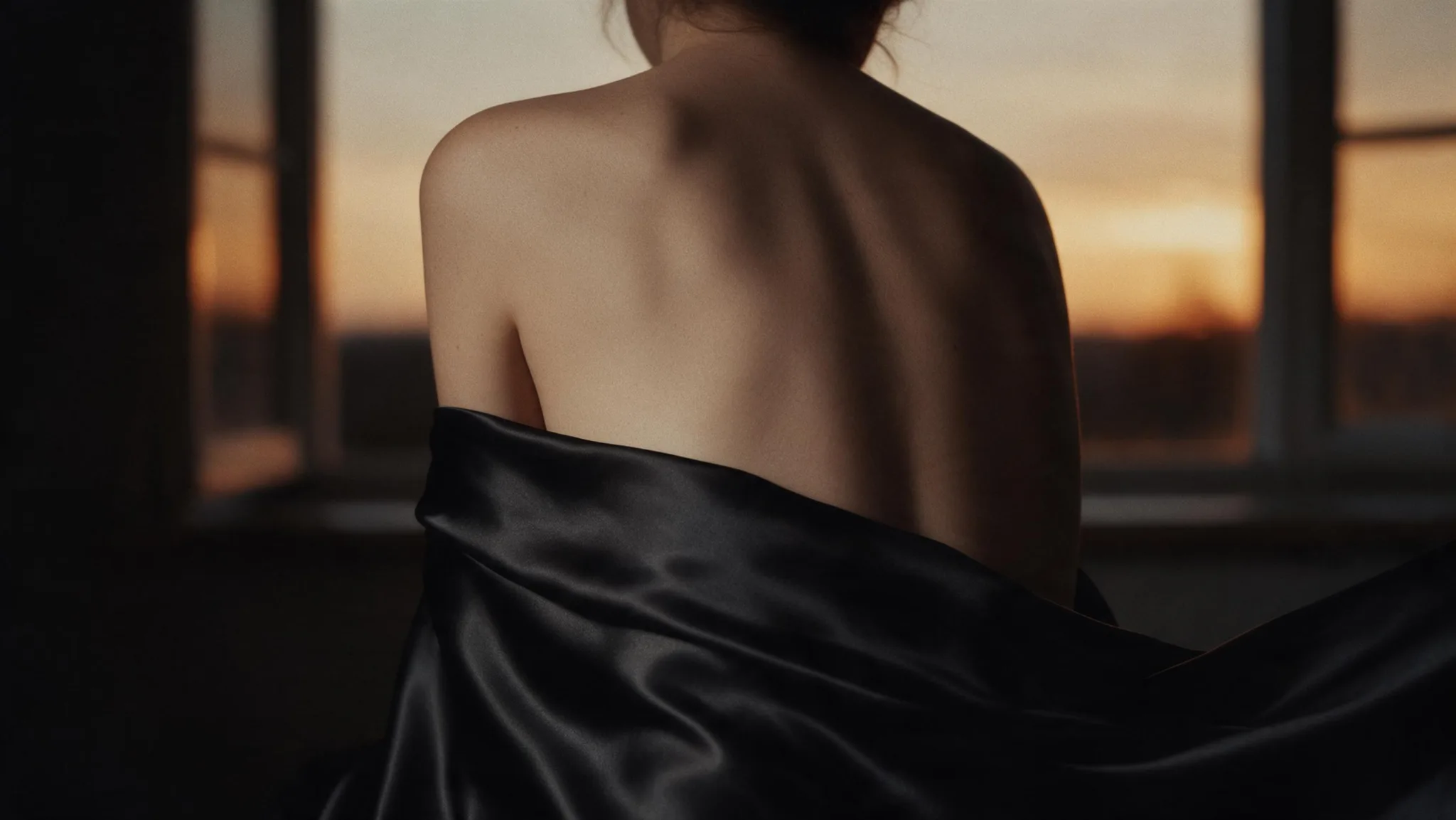
PromptSeated nude figure in a warm boudoir, silk sheet, amber lamp as the only light source, deep crimson curtain behind.
One light source keeps the shadows predictable and the composition calm.
Rooftop silhouette
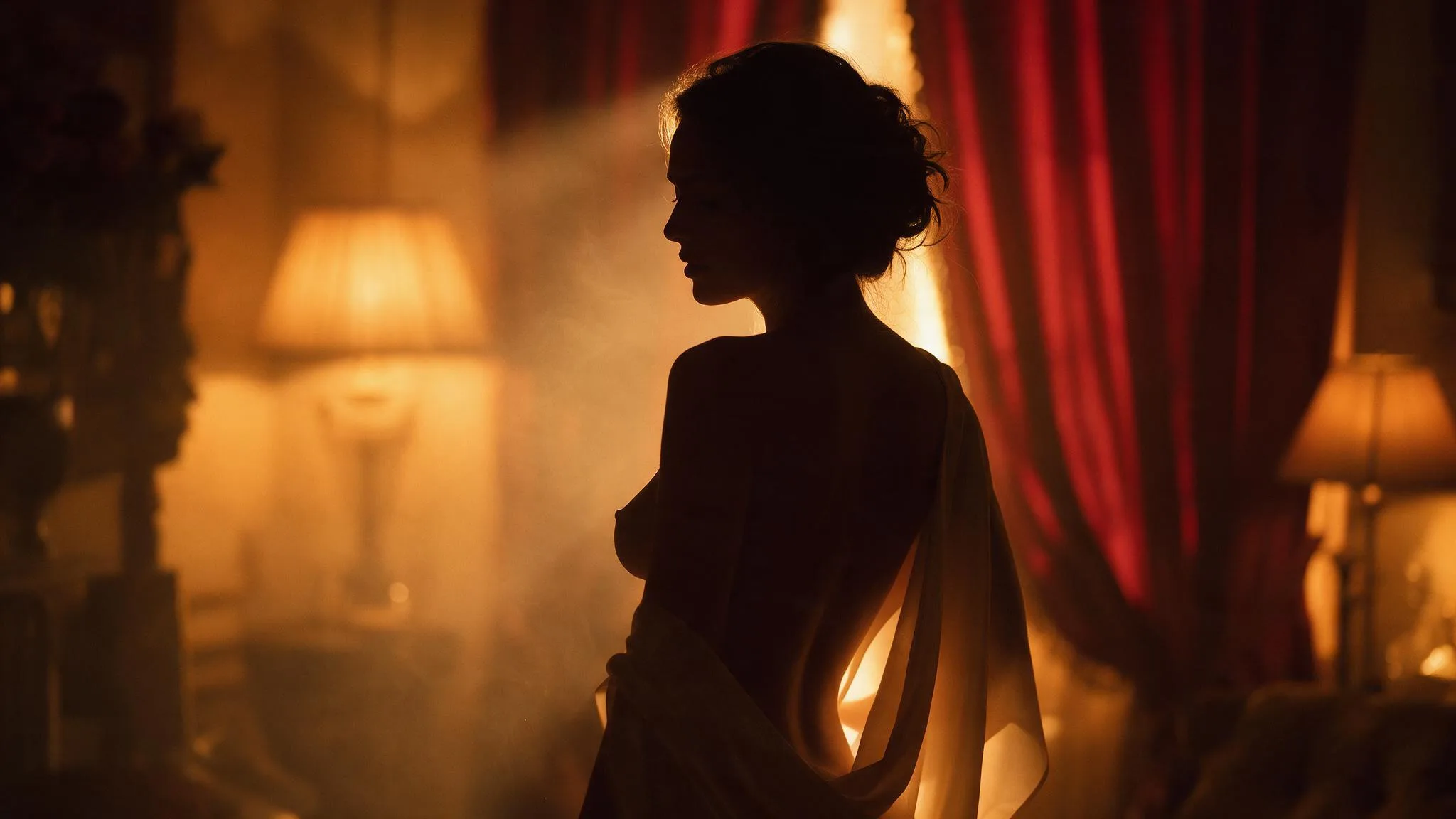
PromptFictional adult creator in an open coat on a rooftop at dusk, silver moonlight and a faint magenta horizon, wide shot.
A silhouette avoids the face-detail problem that stills usually fail on.
Text-to-image settings for a nude still
Establish the shape of the output before the prompt grows. Aspect ratio and model determine what the image can be; the prompt only fills it in.
| Goal | Focus on | Why it helps |
|---|---|---|
| Choose the frame the still will live in. | Aspect ratio | Changing the ratio later crops the composition rather than recomposing it. |
| Pick a published image model that suits the style you want. | Model | Different models interpret the same nude prompt with very different anatomy and skin rendering. |
| Match the format to how the file will be used. | Output format | A still destined for animation should stay sharp and uncluttered. |
| Read the estimate before submitting. | Credits | Cost follows the model and resolution, not the length of the prompt. |
When a nude still misses
Image prompts fail for structural reasons more often than stylistic ones.
- The composition feels crowded
- Remove a subject or a light. Two of either is usually one too many.
- Skin or fabric looks plastic
- Drop the texture adjectives and name the light direction instead.
- The pose does not read
- Describe one body position in plain words; layered pose instructions cancel each other out.
- The image cannot be animated later
- Regenerate with a cleaner background and a single subject so the still can become a first frame.
Text to Image questions
Practical answers about live settings, Credits, account access, and consent-first creation.
You can inspect the generator and settings while signed out. Submission requires an authenticated account.
The Workspace shows the estimated Credits for the selected model and resolution before submission.
Continue in the workspace
Compose the nude still, pick the ratio and model, then review the estimate before submitting.